An easy start to a project
The repository templates organization offers an ever-expanding collection of GitHub templates to choose from.
What are GitHub Templates?
Templates were recently introduced to GitHub. More information can be found in their blog post.
How to use a template
- Go to the repository templates GitHub page and choose the repository that suits your needs.
-
Click the
Use this templatebutton.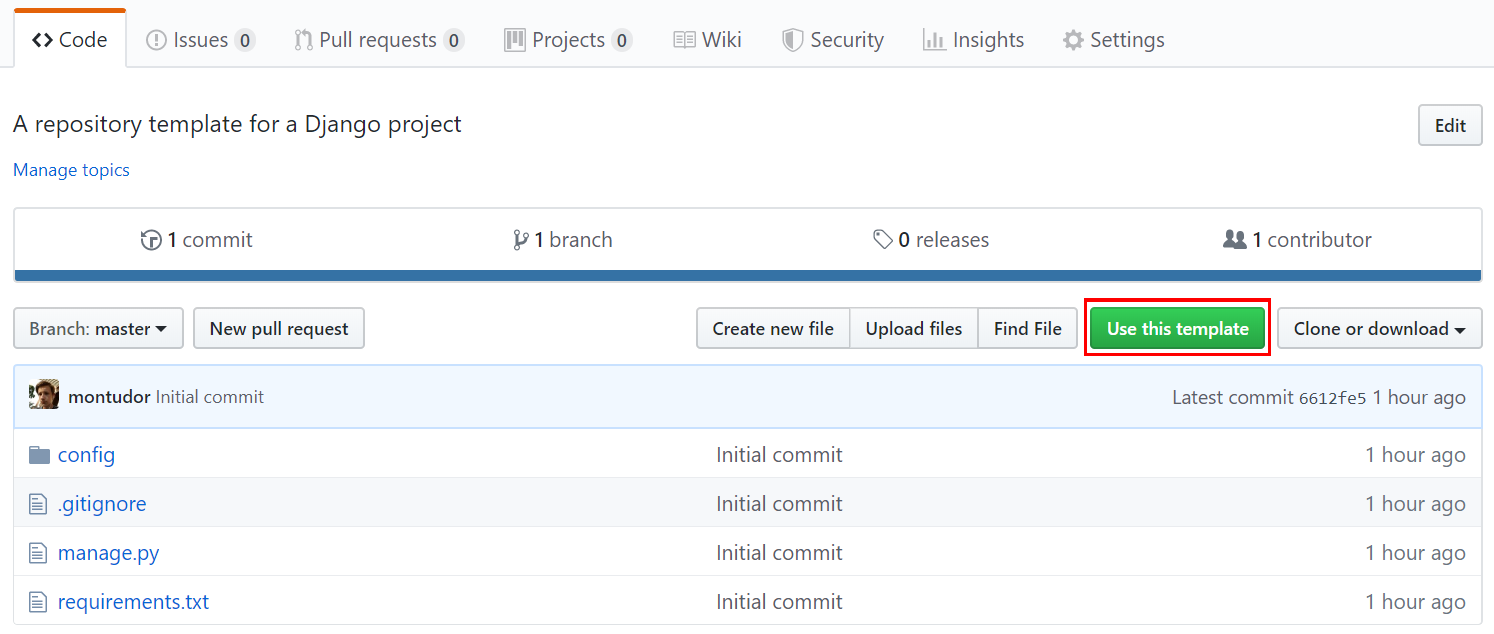
- Finally, type a name, description and set the privacy settings just as you usually would do when creating a new repository.
Once you have used a template once, it should appear in a dropdown list directly on the new repository page for easy access when creating future projects.
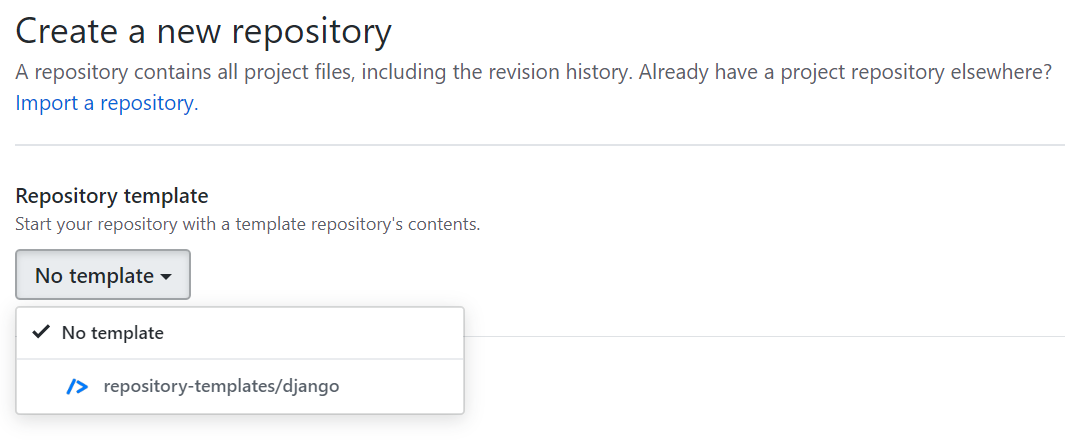
A detailed breakdown of GitHub templates can be found on the GitHub help page.
Requesting a new template
New templates can be requested by creating an issue in the requests repository. You can also send us an email if you’re willing to contribute code to a new template or join our development team. Don’t forget to include your GitHub username.